Stop Being Your Team's Human Linter
Half the issues in your Flare topics are invisible to manual review until a customer finds them.
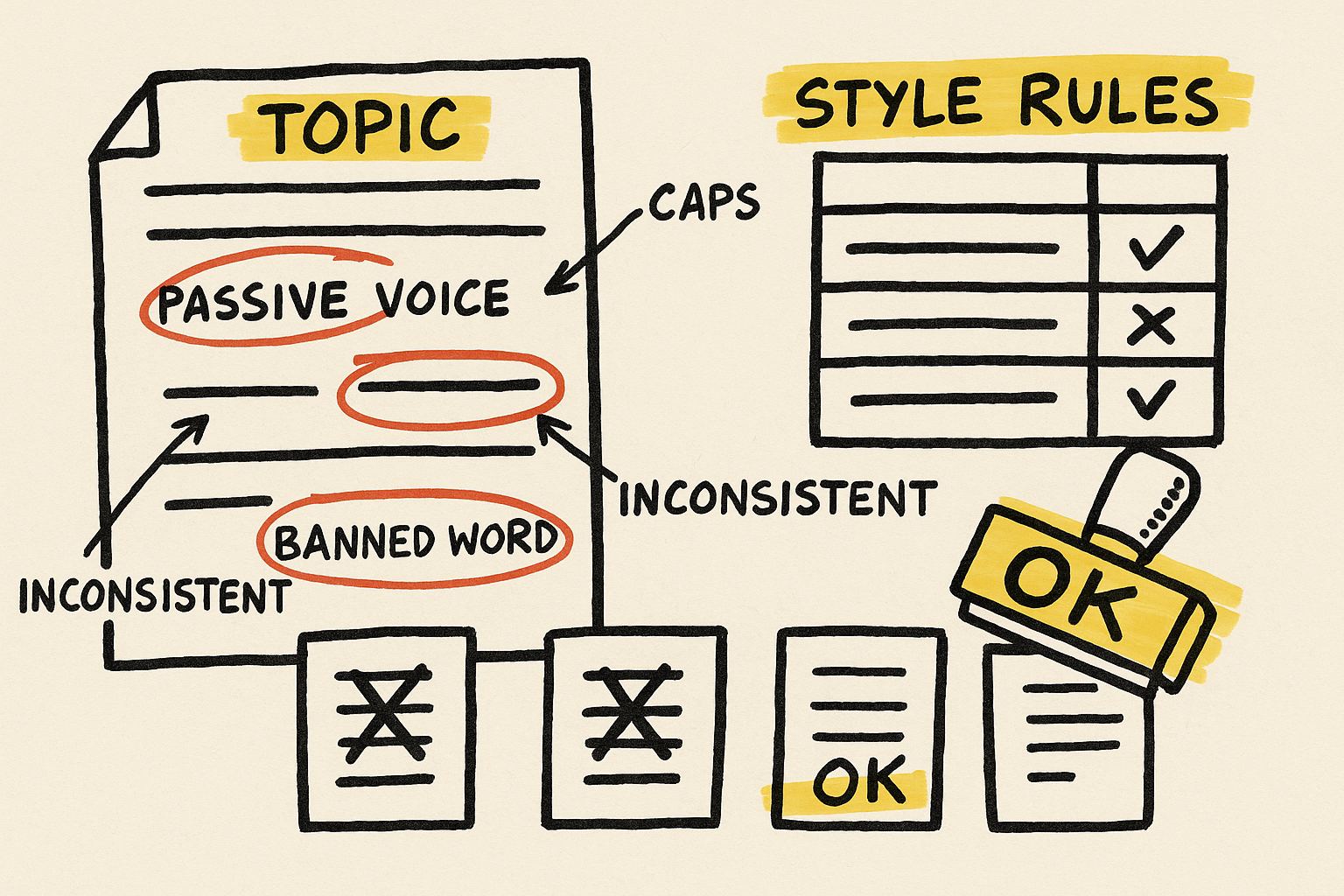
Mad Quality scans your Flare projects against the Microsoft Manual of Style and your custom rules. Catches structural errors, terminology drift, and style violations before they ship.
Manual QA scales linearly with content. Your review capacity doesn't.
You wrote a 47-page style guide. Nobody reads it. You catch the same issues every release. You're the editing bottleneck — every release waits on you, and things slip through anyway. (Read more: The Hidden Cost of Manual QA in Technical Documentation.)
Quality shouldn't depend on one person's attention span. It should be a system property.
The robo-editor that catches half your issues before review even starts
Featured on the official MadCap blog as a "robo editor." Mad Quality scans every topic against your rules automatically — Microsoft Manual of Style out of the box, plus any custom rule you can define in a spreadsheet. No coding. No bottleneck.
You spend review time on substance, not commas. Quality becomes consistent across the whole team, in every topic. The style guide finally enforces itself.





Key Features
Content & Structure Validation
Thorough checks against the Microsoft Manual of Style or your custom rules, ensuring both content quality and structural integrity.
Spreadsheet-Based Rules
Add, modify, or remove quality rules in a spreadsheet — no coding required. Default rules based on Microsoft Manual of Style included.
Bulk Scanning
Scan individual topics or entire projects, ensuring consistency at scale. Find every violation in seconds, not hours of manual review.
Guided Findings
Each finding links to the relevant style guide rule for context, helping writers learn and improve as they fix issues.
Pricing
See It In Action
Mad Quality Plugin Demo
Once we discovered just how powerful the Mad Quality plugin is, it's been our 'robo editor' of choice! We have mapped dozens of our style guide conventions to Mad Quality Plugin rules. Now, it quickly finds half of the issues in every single topic, whether it's topic type mismatches, topic structure, unwanted grammar, or non-breaking spaces — and saves hours we'd otherwise have to spend on language edits!
Free or relatively inexpensive tools like the Mad Quality plugin are invaluable. These tools check the topics in your MadCap Flare projects to make sure they comply with your corporate style guide and general best practices of technical writing.
Common Questions
Will this work with our Flare setup?
Mad Quality works with MadCap Flare 2020 and later on Windows. Rules are defined in a spreadsheet — no coding required. It integrates directly into Flare's ribbon and scans individual topics or entire projects.
What if we outgrow it?
Mad Quality scales with your content. Add unlimited custom rules, scan thousands of topics, and adapt the rule set as your style guide evolves. The spreadsheet-based rule management means your team can maintain and extend it without developer support.
How long until we see results?
Within the first scan. Install the plugin, point it at a project, and you'll immediately see which topics violate your style guide rules. Teams typically reduce review cycle time by 30–50% within the first month.
Run the doc team that ships consistent quality without a 47-page review bottleneck.
$199/year · Featured on the MadCap Software blog · Used by Fortune 500 doc teams